Check Driving Licence (DL) Status Online
Track your DL application accurately via the Sarathi Parivahan portal. Understand what "Under Processing", "Approved", and "Dispatched" mean in real-time.
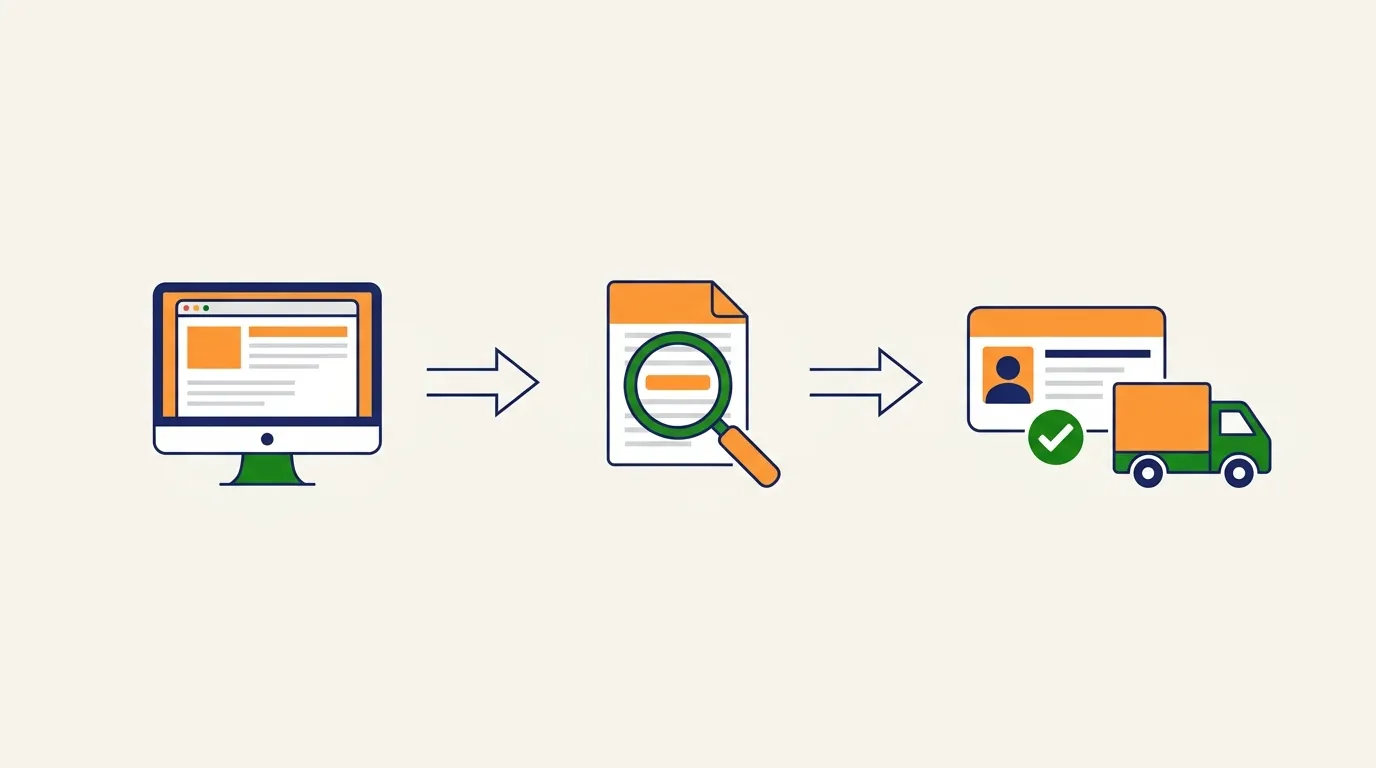
How to Check DL Application Status?
After applying for a new driving licence, driving licence renewal process, or to apply for a duplicate DL, the RTO takes anywhere from 7 to 30 days to process and dispatch the smart card to your registered address. You do not need to visit the RTO to know the status. The entire tracking process is centralized on the official Sarathi Parivahan portal.
Track Officially
Visit the Vahan portal to check your real-time DL application status.
Check Status NowUnderstanding DL Status Checks
Why Check DL Status?
To track if your application is approved, printing, or stuck due to document rejection so you can take timely action.
Who Can Check It?
Anyone with a valid Application Number, Date of Birth, or DL Number can securely check the real-time status online.
Is it Free?
Yes! The official tracking service provided by the Ministry of Road Transport and Highways (MoRTH) is 100% free of cost.
Available for All States?
Yes, the Sarathi database is a centralized national grid covering all states and Union Territories across India.
7 Ways to Check Driving Licence Status
There is no single way to check your DL status. Depending on the platform you prefer, here are all the officially supported methods:
-
1
Check via Parivahan Sewa
The central dashboard for all transport services. You can navigate from the homepage to 'Online Services' and select 'Driving Licence Related Services'.
-
2
Check via Sarathi Portal (Direct)
The fastest method. Go directly to sarathi.parivahan.gov.in, select your state, and click on 'Application Status' on the top right.
-
3
Check via mParivahan App
Download the official mParivahan mobile app (Android/iOS), go to the DL dashboard, and enter your application number to track it on your phone.
-
4
Check through DigiLocker
If your DL is approved, you can search for "Driving Licence" in DigiLocker. If it fetches your document, it means your status is successfully approved and active.
-
5
Check at the Local RTO Office
If online portals are down or your application is older than 2 months and stuck, visit your local RTO Help Desk with your printed application slip.
-
6
Check through CSC Centre
Visit your nearest Common Service Centre (CSC / Jan Seva Kendra). The operator can log into the Vahan portal and check your status for a nominal printout fee of ₹10-₹20.
-
7
Check via State Transport Portals
Some states like AP, TS, or MP have their own parallel Transport Department websites (e.g., AP Transport) where you can also trace your licence using Aadhaar or application ID.
Decoding the Status Messages (इनका क्या मतलब है?)
When you check your status online, you might encounter technical RTO jargon. Here is exactly what those terms mean for your application timeline:
Document Verification
Your uploaded documents (Aadhaar, Medical Form 1A) have not been checked yet by the clerk. (Wait time: 2-5 days)
Awaiting RTO Approval
Documents are verified. The application is sitting in the RTO officer's digital queue for final signature. (Wait time: 7-15 days)
Card Sent via Post
Your Smart Card is printed and handed over to India Post. An SMS with the tracking ID will be sent to you.
Action Required
Usually due to blurred photo or wrong signature. You must re-upload documents online.
Meaning of Every Status (A to Z Guide)
| Status Message | What It Means | Action Required |
|---|---|---|
| Submitted | Application has been filled online and fee paid. | Wait for scrutiny. |
| Pending | Application is stuck at a specific stage. | Check pending tasks. |
| Under Scrutiny | Documents are being verified by the RTO clerk. | None, just wait. |
| Document Verification | Physical or e-KYC documents are under check. | Wait 2-5 days. |
| Biometrics Pending | Your photo and signature have not been captured. | Visit RTO for photo. |
| Test Slot Pending | You need to book a driving test slot. | Book slot online. |
| Test Passed | You have cleared the driving skill test. | Wait for approval. |
| Test Failed | You did not pass the driving test. | Re-apply for test. |
| Approval Pending | RTO Inspector/Officer needs to sign digitally. | Wait 7-15 days. |
| Approved | Your DL has been officially granted. | Download e-DL. |
| Printing | DL data is queued for the printing machine. | Wait for dispatch. |
| Smart Card Printing | The physical card is being manufactured. | Wait 2-5 days. |
| Dispatched | Card handed over to Speed Post. | Track via Post. |
| Delivered | Card reached your home address. | None. |
| Returned | Postman couldn't find your address. | Collect from RTO. |
| Rejected | Application denied due to wrong info/docs. | Re-apply fresh. |
| Cancelled | Application cancelled manually or auto-expired. | Start over. |
| Digitally Impounded | Licence seized digitally for a traffic violation. | Pay Challan/Court. |
| Suspended | Licence temporarily invalid. | Wait till period ends. |
| Expired | Licence validity has ended. | Apply for Renewal. |
| Active | Licence is fully valid and in force. | Drive safely! |
Steps to Check on Official Portal
- Keep your Application Number and Date of Birth ready.
- Visit the official portal sarathi.parivahan.gov.in.
- On the top right corner, click on the "Application Status" button.
- Enter the exact details and the captcha code.
- Scroll down to the bottom of the page to see a detailed table of completed and pending tasks.
Driving Licence Application Fees (2026)
While checking your DL status is completely free, knowing the exact official RTO fee structure helps you avoid getting scammed by brokers when applying. Here are the latest pan-India standard fees:
| Type of Service | Government Fee (₹) | Smart Card Fee (₹) | Total Cost (₹) |
|---|---|---|---|
| Learner's Licence (LL) (Per Class) | 150 | 0 | ₹ 150 |
| LL Test Fee | 50 | 0 | ₹ 50 |
| Fresh Driving Licence (DL) | 200 | 200 | ₹ 400 |
| DL Driving Skill Test | 300 | 0 | ₹ 300 |
| DL Renewal (Before expiry) | 200 | 200 | ₹ 400 |
| DL Renewal (After grace period) | 300 | 200 | ₹ 500 + ₹1000/yr penalty |
| Duplicate DL (Lost/Stolen) | 200 | 200 | ₹ 400 |
| Address / Name Change in DL | 200 | 200 | ₹ 400 |
Smart Card DL Dispatch & Speed Post Tracking
Once your Driving Licence status changes to "Dispatched" on the Sarathi Parivahan portal, it means your PVC Smart Card has been handed over to the postal department. Here is how you track its delivery:
1. India Post (Speed Post) Tracking
The RTO exclusively uses India Post (Speed Post) for delivering all Smart Card driving licences to ensure security. When your card is dispatched, you will receive an SMS containing a 13-digit alphanumeric tracking number (e.g., EA123456789IN).
- Go to the official India Post Track Consignment website.
- Enter your 13-digit Speed Post tracking number.
- Enter the captcha and click "Search" to see live movement from the RTO hub to your local post office.
2. Smart Card Tracking without SMS
If you haven't received an SMS, don't worry. You can find your tracking ID directly on the Sarathi portal:
- Log in to Sarathi Parivahan and check your Application Status.
- Scroll down to the "Completed Tasks" table.
- Look for the row labeled "Dispatch of DL".
- Your Speed Post Tracking Number will be mentioned right next to the dispatch date.
Expected Delivery Time
Once dispatched from the RTO, the physical smart card usually takes 3 to 7 working days to reach your registered address via Speed Post, depending on your location (urban areas are faster). If the postman cannot find your address, the card will be returned to the RTO within 15 days.
Download Driving Licence (e-DL) PDF
While waiting for your Smart Card to arrive, or if you have lost your physical card, you can officially fetch and download a legally valid PDF copy of your Driving Licence online.
How to Fetch e-DL from DigiLocker (Official Method)
Under the IT Act, a digital driving licence stored in DigiLocker is completely valid and accepted by the Traffic Police.
- Download the DigiLocker App or visit digilocker.gov.in.
- Log in using your Aadhaar card and mobile OTP.
- Click on Search Documents and select "Ministry of Road Transport and Highways".
- Select "Driving Licence".
- Enter your DL Number and tap "Get Document".
- Your DL will be fetched from the national database. Click the download icon to save it as an Official PDF.
Important Application Forms (Download PDFs)
If you are still applying and your status is stuck due to document rejection, download the official blank forms below:
Active Driving Licence Verification
Checking your application status is one thing, but checking your Actual Licence Validity is another. Employers, Traffic Police, and Car Rental companies use the "Know Your DL Status" feature on the Parivahan portal to verify if a licence is legally active or flagged. Here is what the National Database can reveal about your licence:
Valid / Active
The holy grail. Your DL is fully verified, biometric data is intact, and you are legally authorized to drive your specified vehicle classes anywhere in India.
Expired
Your licence validity date has passed. You have a 1-year grace period to renew it without giving a driving test again. Driving is currently illegal.
Suspended
Usually triggered by severe traffic violations (like drunk driving or overspeeding). The RTO has temporarily revoked your driving privileges for a set period.
Blacklisted
A serious red flag. Your DL is blocked across the national database due to criminal activity, multiple severe challans, or using fake documents.
Cancelled
Your licence has been permanently destroyed in the database. This happens if you are declared medically unfit or if the DL was obtained fraudulently.
Digitally Impounded
The Traffic Police have seized your DL virtually through their e-Challan machines. The physical card is useless until you clear the pending court case.
What to Do if Your DL Status is Stuck? (Troubleshooting Guide)
Millions of applications get stuck due to technical glitches, incorrect documents, or RTO delays. Here is the ultimate guide to resolving every possible error and stuck status on the Parivahan portal:
1 Status Stuck at "Under Processing"
Reason: Your application is waiting in the RTO officer's queue. Due to high volumes, applications can sit here for weeks.
Solution: No action is needed from your end. If it exceeds 30 days, visit your RTO with the application printout and request them to clear it.
2 Status Stuck at "Verification Pending"
Reason: The RTO clerk hasn't verified your uploaded documents (Aadhaar, Medical Form 1A) yet. Sometimes, unclear document scans cause this.
Solution: Check if you have received an SMS asking for document re-upload. If not, wait 7-10 days. If still stuck, you might need to visit the RTO.
3 Status Stuck at "Approval Pending"
Reason: Documents are verified, but the final digital signature by the RTO Inspector/Officer is pending.
Solution: This is the final stage before printing. Usually clears within a week. Just wait.
4 Status Stuck at "Printing Pending"
Reason: Your DL is approved, but there might be a shortage of blank PVC Smart Cards or ribbons at the state printing facility.
Solution: Since your DL is approved, you can download your valid e-DL from DigiLocker and drive legally while you wait for the physical card.
5 Status Stuck at "Dispatch Pending"
Reason: The card is printed but waiting to be picked up by India Post.
Solution: Wait for the Speed Post tracking SMS. Once handed over to the post office, this status will change to "Dispatched".
Error: "Record Not Found"
Reason: You entered incorrect Application Number, Date of Birth, or selected the wrong state.
Solution: Double-check the SMS you received during application submission. Ensure you are selecting the exact state where you applied.
Error: "Invalid DL Number"
Reason: Format mismatch. Old driving licences had spaces or slashes (e.g., MH-12 2010 12345).
Solution: Enter it exactly as a 15-digit code without spaces (e.g., MH1220100012345). Pad with zeros if your old number is shorter.
Error: "Old Booklet Licence Not Found"
Reason: Your very old paper/booklet licence data was never digitized into the national Sarathi database (Backlog entry missing).
Solution: You must visit your original RTO to do a "DL Backlog Entry" process before you can apply for renewal or status tracking online.
"Server Error / Portal Down"
Reason: The Sarathi Parivahan server is undergoing maintenance or experiencing heavy traffic.
Solution: Try checking your status during off-peak hours, such as early morning (before 9 AM) or late night (after 10 PM).
"OTP Not Received"
Reason: Telecom network delays or your Aadhaar-linked mobile number is inactive.
Solution: Wait for 5 minutes and click "Resend OTP". Ensure your phone has active SMS validity. If the number has changed, update it in Aadhaar first.
"Captcha Error"
Reason: You took too long to type the captcha, or the image expired.
Solution: Click the refresh icon next to the captcha, type the new code quickly, and submit.
Error: "Application Not Found"
Reason: Your payment failed, the application was cancelled, or the data was wiped due to 6 months of inactivity.
Solution: Verify if your fee receipt was generated. If not, your application was never fully submitted. You will need to apply fresh.
Common Problems & Solutions (FAQs)
1. Why is my DL not showing online?
If your DL is very old (booklet/paper format) and you haven't done a "DL Backlog Entry" at your RTO, your data is not digitized yet, hence it won't show online. You must visit the RTO to get it digitized.
2. Why is my licence active but card not delivered?
This happens when there is a delay at the printing facility (shortage of PVC cards) or dispatch delay by India Post. Your licence is legally valid; use DigiLocker to download the e-DL and drive.
3. How long after the driving test will my status change?
Usually, the RTO Inspector updates the "Test Passed" status on the portal within 24 to 48 hours of your driving test. Final approval takes another 3-7 days.
4. Can I drive before receiving the physical Smart Card?
Yes. Once your status shows "Approved" and a DL number is generated, you can download it via the DigiLocker App. An e-DL is legally equivalent to a physical card under the Motor Vehicles Act.
5. How to check DL status without an Application Number?
Go to the Parivahan portal, click on 'Others' -> 'Find Application Number'. Enter your State, RTO Name, Applicant Name, Date of Birth, and Mobile Number to recover it.
6. Can I check DL status with Aadhaar Card?
You cannot check the status using just an Aadhaar number. However, if your mobile number is linked to Aadhaar (eKYC applications), you can recover your application details easily using the 'Find Application Number' feature.
7. Why is my DL dispatch delayed?
Dispatch delays are usually due to lack of raw materials (blank cards/ribbons) at the state level, a massive backlog of applications, or a mismatched address causing the post office to hold it.
8. What does "Printing Pending" exactly mean?
It means your application is fully approved and the RTO has digitally signed it, but it is sitting in a queue waiting for the machine to print the physical PVC Smart Card.
9. What if my record is not found?
Double-check your application number and DOB. Make sure you selected the correct State. If everything is correct, the server might be syncing, try again after 24 hours.
10. How to update or digitize an old DL?
You must apply for a "DL Backlog Entry" process. You'll need to submit your original old licence, Aadhaar card, and photographs physically to the RTO that originally issued it.
11. How to check Commercial/Transport Licence status?
The process is identical. Enter your application number and DOB on the Sarathi Parivahan portal. Note that commercial licences require a valid Medical Form 1A and Police Verification.
12. Can I check someone else's DL status?
Yes, the status check portal is public. As long as you have their exact Application Number and Date of Birth, or their DL Number and Date of Birth, you can verify their licence status.